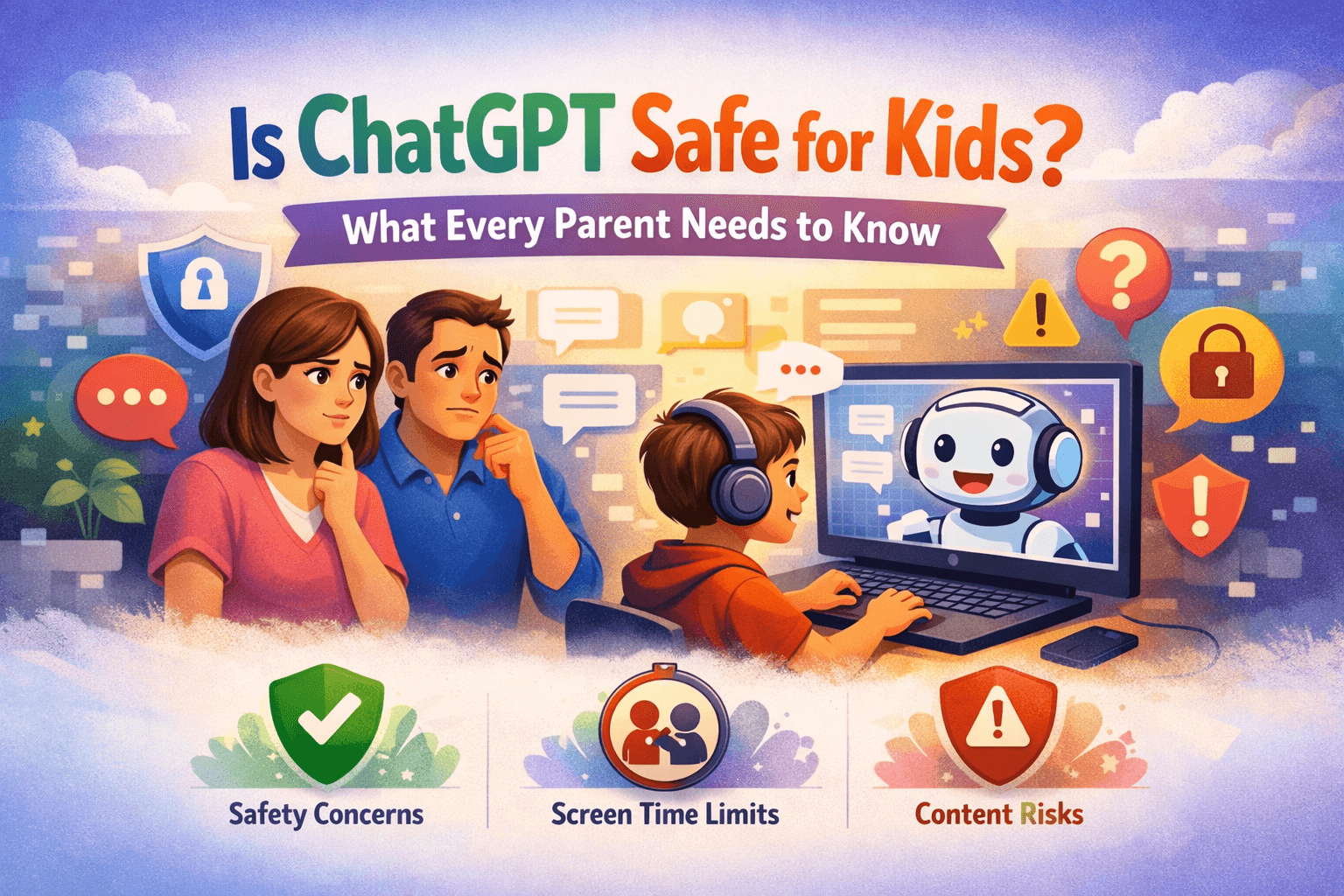
As a parent, you've probably noticed your children asking about ChatGPT — or already using it. AI chatbots are genuinely useful for homework, creative projects, and learning. But are they safe for kids to use unsupervised?
The short answer: not without guardrails. Here's what you need to know.
What ChatGPT's Own Safety Policy Says
OpenAI requires users to be 13 or older to use ChatGPT, and 18 or older (or have parental consent) to access the API directly. Despite this, age verification is minimal — a child who clicks "I agree" can access the platform.
More importantly, ChatGPT's content filtering is designed for general audiences, not specifically for children. A child asking about mature topics, violence in history, or sensitive social issues may receive responses that are technically accurate but not age-appropriate.
Real Risks Parents Should Understand
1. Unfiltered Content on Sensitive Topics
ChatGPT will discuss topics like suicide, self-harm, and drug use in an educational context. While it follows safety guidelines, the responses aren't calibrated for a 10-year-old in the way a teacher or parent would be.
2. No Usage Visibility
Standard ChatGPT accounts don't give parents any visibility into what their child is asking or receiving. You have no dashboard, no logs, and no way to know if concerning patterns are developing.
3. No Spending Controls
If a child has access to a ChatGPT Plus account or API key, there are no automatic spending limits. Children can inadvertently generate large bills through image generation or extensive API use.
4. Jailbreaking and Prompt Injection
Tech-savvy teenagers quickly discover "jailbreaking" prompts — phrases designed to make AI ignore its safety filters. While OpenAI continuously patches these, new ones emerge regularly.
5. Privacy Concerns
Conversations with ChatGPT are used by OpenAI to improve their models (unless you opt out). Children may share personally identifiable information without understanding the implications.
The Case for Age-Appropriate AI Access
Here's the important counterargument: blocking AI entirely doesn't protect children. Kids who can't use AI at home will use it on school computers, friends' devices, or mobile apps — often without any parental awareness.
The better approach is supervised, age-appropriate AI access with:
- Content filtering tuned for the child's age
- Parental visibility into conversation topics (not every word)
- Usage quotas that prevent excessive use
- Conversation export for periodic review
This is the "education over restriction" approach — preparing children for an AI-powered world rather than shielding them from it.
What Family AI Zone Does Differently
Family AI Zone was built specifically for this problem. Here's how it addresses each risk:
| Risk | Family AI Zone Solution |
|---|---|
| Unfiltered content | Child and Teen roles trigger strict AI moderation on every message |
| No visibility | Owner (parent) can view any family member's conversation history |
| No spending controls | Monthly budgets, per-user token quotas, automatic free-model fallback |
| Jailbreaking | Server-side safety checks applied before API call, not just on output |
| Privacy | Conversations stored on your server/database, not shared with us |
Child accounts receive a system prompt that tells the AI it's speaking with a child and to respond accordingly. This affects not just content filtering but tone, complexity, and the types of information the AI volunteers.
Recommended Setup for Different Ages
Ages 6–10 (Children)
- Set the Child role — strictest content filtering
- Daily token limit: 5,000–10,000 tokens (enough for homework help)
- Monthly image credits: 5–10
- Use GPT-5.4 nano or Gemini 2.5 Flash-Lite (fast, affordable, good for children)
- Review conversations weekly
Ages 11–13 (Pre-teens)
- Child or Teen role depending on maturity
- Daily token limit: 15,000–20,000 tokens
- Enable image generation with low credits
- Review conversations monthly or when concerned
Ages 14–17 (Teenagers)
- Teen role — moderate content filtering
- Daily token limit: 30,000 tokens
- Full image generation access (consider monitoring)
- Regular open conversations about AI use
Adults
- Adult role — no content filtering
- Set limits based on budget preference
A Word About "AI-Free" Childhoods
Some parents choose to block AI entirely. That's a valid choice. But consider: by the time today's 10-year-olds enter the workforce, AI literacy will likely be as important as typing skills are today.
The families who give their children guided, safe AI access are helping them build skills and judgment — not just consuming AI outputs, but understanding how to use AI tools critically and responsibly.
Family AI Zone exists to make that guided access practical, affordable, and genuinely safe.
Ready to give your kids safe AI access? Set up your family account in 10 minutes, or read our Getting Started guide first.
Related Articles
View all →How to Give Your Child AI Access Without Losing Control
A parent's practical guide to setting up safe, controlled AI access for kids — with content filters, usage limits, and visibility tools that keep you in charge.
Homeschooling with AI: A Parent's Complete Guide
How homeschooling families can use AI tools for personalized learning, subject tutoring, writing help, and creative projects — safely and affordably with Family AI Zone.

Create Stunning AI Images: A Complete Guide
Learn how to write effective image prompts, choose the right model, pick the best size and quality settings, manage credits, and get the best results from AI image generation.
Enjoying the guides? Try Family AI Zone free.
Back to Family AI Zone